
 +1-718-715-1551
 sales@onprintshop.com




At OnPrintShop, we are continuously evolving our solution capabilities to help you deliver the best services to your customers and grow your online business. We are releasing PhotoBook Solution Version 5.2 which includes new features and enhancements to meet the changing requirements of our clients.
Apart from the new features as per our standard solution in OnPrintShop Version 5.2, below are the changes included in the PhotoBook Solution Version 5.2.
Window Cover Personalization
For photobook products which are based on window cover preview type, you can now give customers an option to use window cover images.
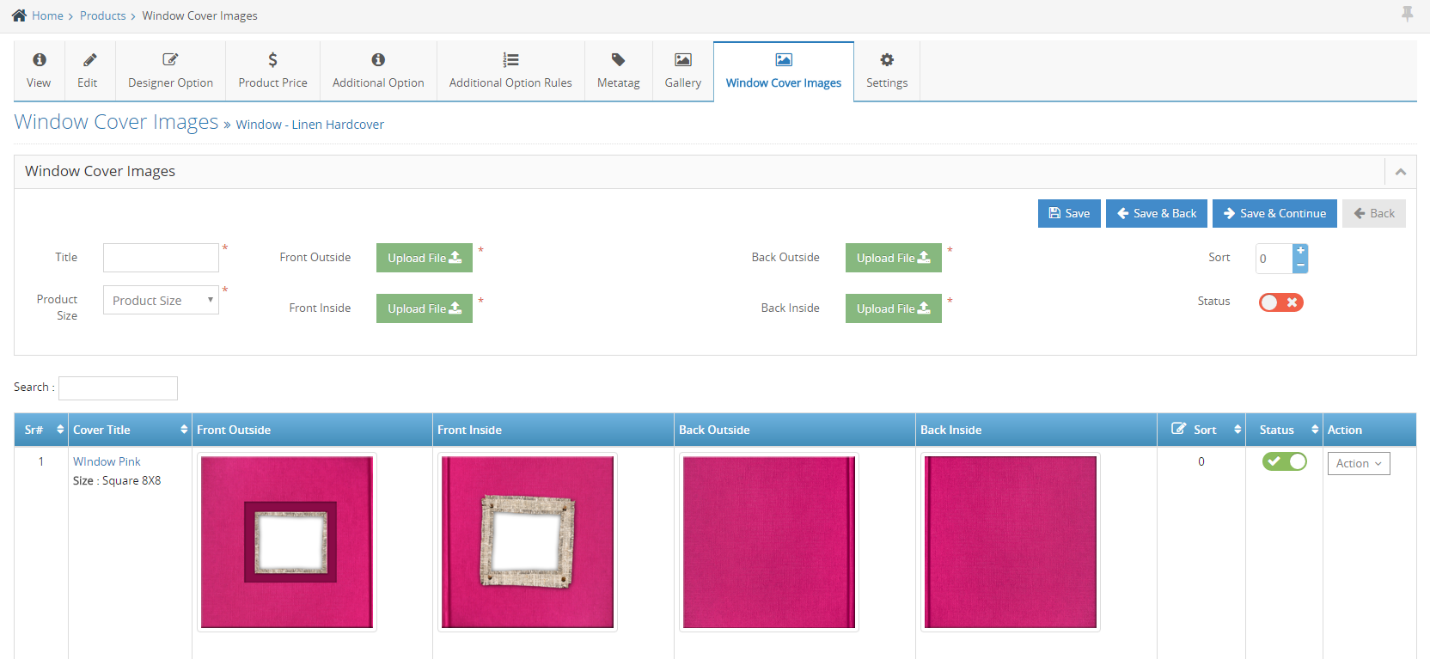
Window cover image works just like how mask images work for printing products in our solution. Using this feature, you can upload multiple window cover images for each product size.
The option to upload window cover images will be available for you under Action menu of Photobook products which has Window Cover as Preview Type.
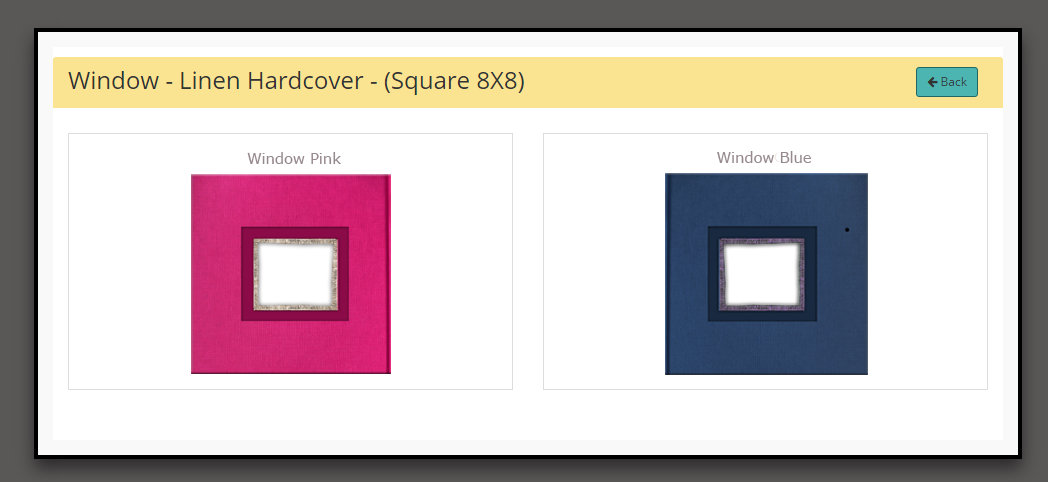
You shall also get a pop-up to select Window cover images while creating ‘Themes’ for such products. Window cover images can also be set separately by using the ‘Change Window Cover’ option available in Action menu of particular ‘Theme’.
Customers on front-end will also be able to change the window cover images if there are multiple window cover images configured for particular product in admin panel.
Cover With Spine
For Photoalbum products which are based on soft cover and hard cover preview type, we are now introducing Windows Spine Cover option. You can enable this option from the ‘Edit Product’ page by enabling the ‘Cover with Spine’ option.
If cover with spine is enabled, you can then enter spine width and height on the ‘Designer Option’ page of that particular product.
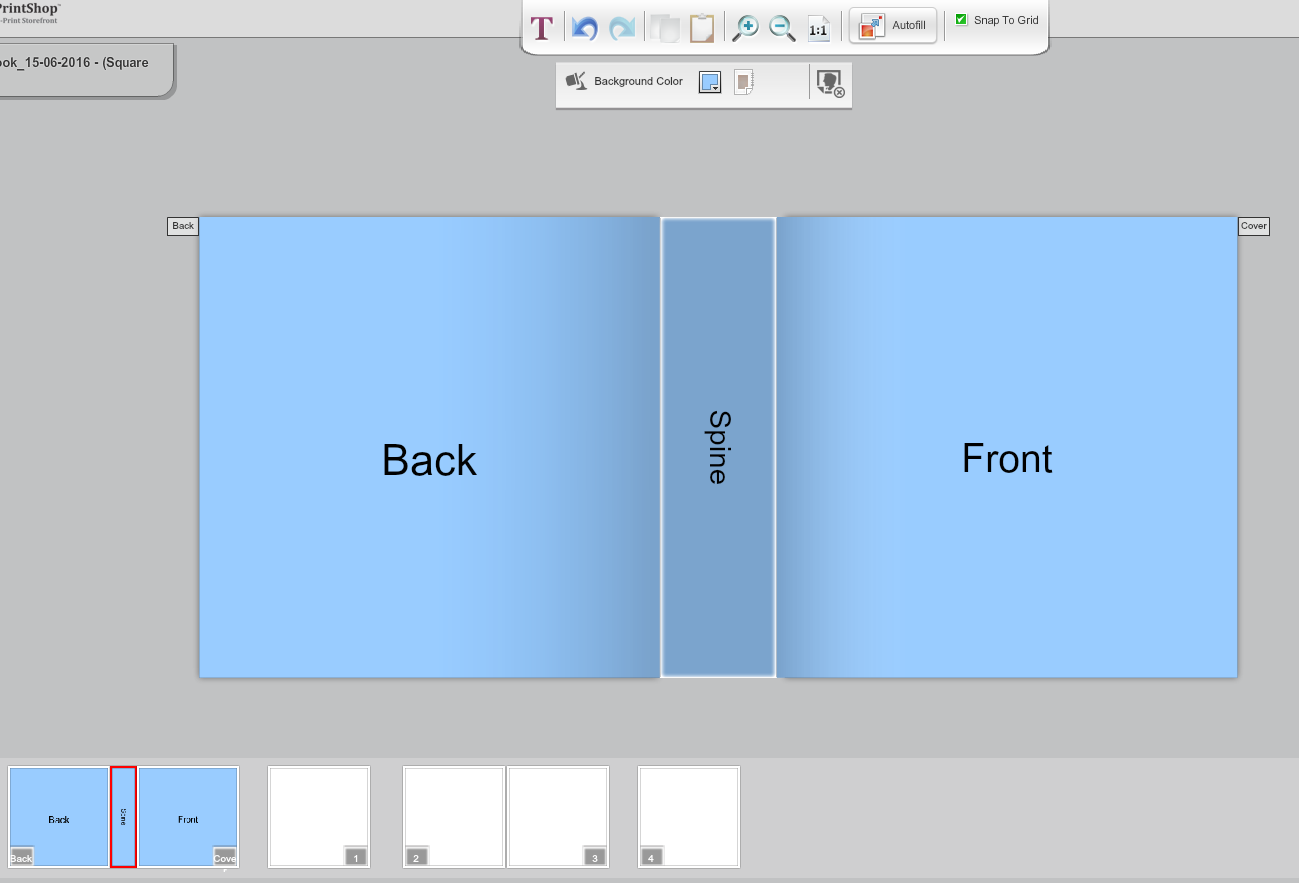
Based on the spine functionality, ‘Cover’ and ‘Back’ pages of Photoalbum product will show separately in the studio along-with the spine area.
Also, while generating order files using ‘Generate Print ready’ or ‘Download Print ready’ options from admin panel, the cover pages will show as a separate file in the downloaded zip folder.
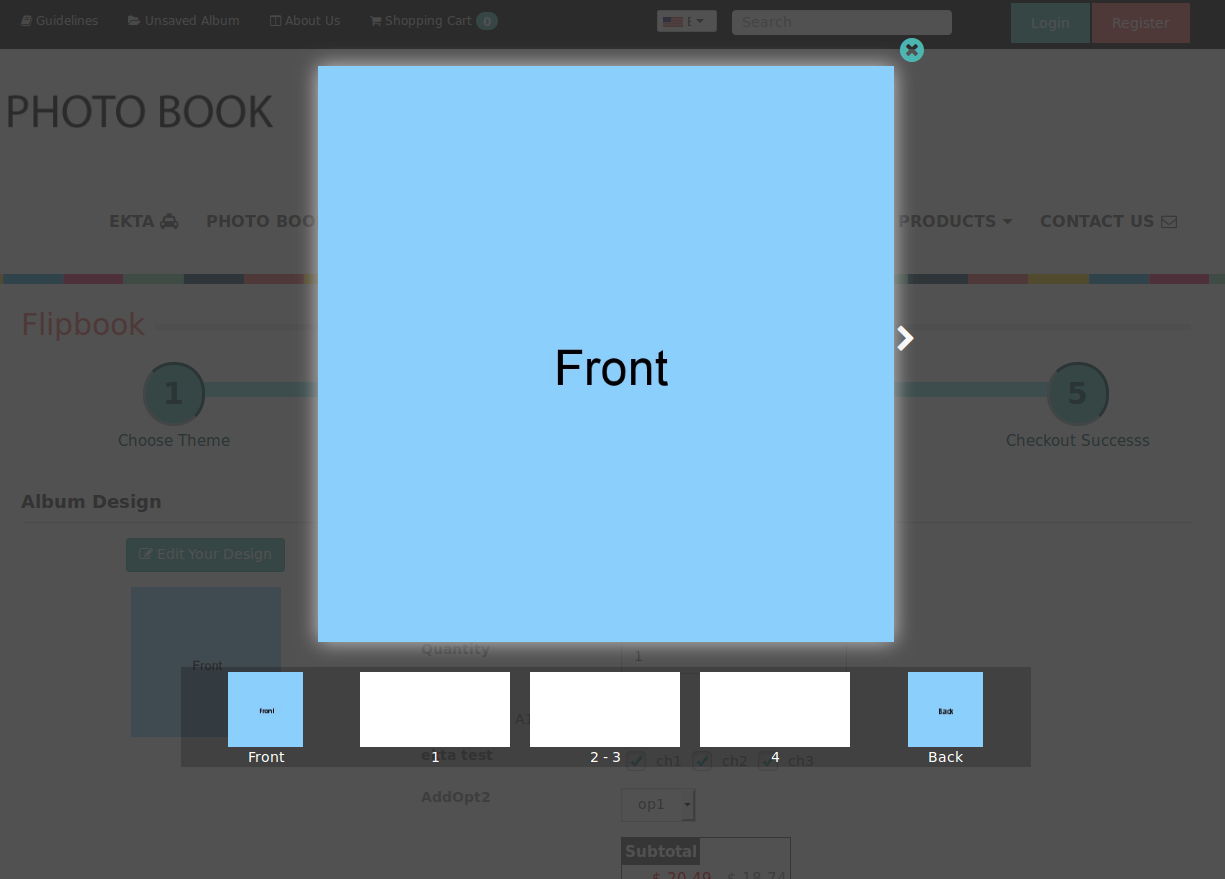
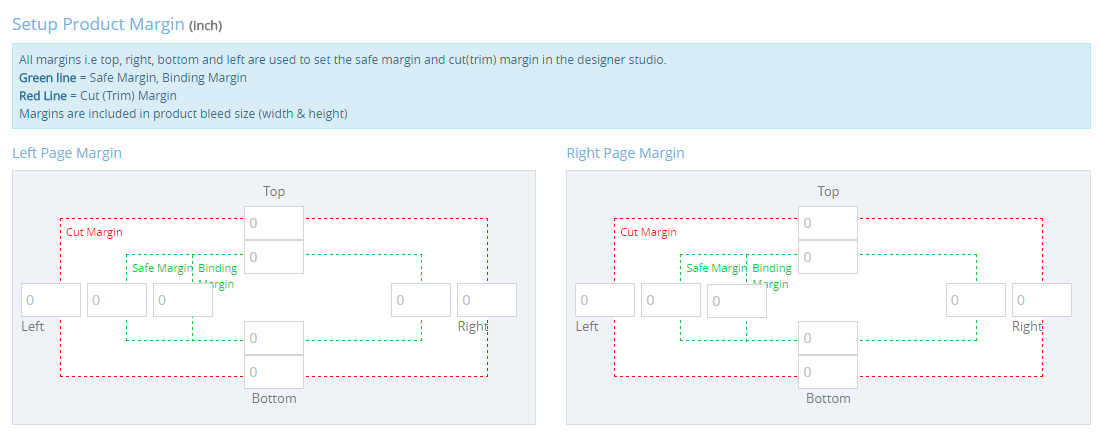
Set cut/safe/binding margins based on left & right side of page
While configuring designer option for particular Photoalbum product, you will have separate options to cut/safe/binding margins for left and right side of product page.
Photobook layout Enhancement
Options to use stickers, mask images and borders shall be available within the studio whenever adding new ‘layouts’ from admin panel for photo album products.
Instagram API integration
As we have facility that customer can use Facebook images in designer tool, Same way now customer can use Instagram images, customer can login with Instagram account and use their images in Photobook studio.
Stock management for products
Just like you can setup stock management for predefined products, we have added new option to setup stock management for Photoalbum products as well though this may not be applicable for all products.
SEO
Canonical URL control for all store front pages: Basically meant for SEO purpose, Canonical URL control helps you with maintaining the page rank if you have pages with certain amount of duplicate content in them.
Set URL redirection while deleting records: To avoid website users getting 404 error pages for deleted store records especially for SEO friendly external setup links for products & content pages.
Automatic Reminder Emails
Auto Email reminders can be sent email to customers or admin based on different scenarios as bellow
- Unordered products in their shopping cart.
- Considerable time since they last logged in to storefront.
- Reminder to enter feedback for completed orders.
- Admin users can be sent to you or other admin users for product stock report.
Admin can even set frequency, like the number of days’ interval at which email reminder should be sent for above scenarios.
Such reminders can be configured using ‘Email Marketing Reminder’ sub-section added in Content Management module. You will require to subscribe with third party company ‘Mailgun’ which is popular for its mass mailing services to be able to use ‘Reminder Emails’ functionality. ‘Mailgun’ integration would be mandatory for sending ‘Reminder Emails’ and you can enable and enter its API key as well as other necessary details under ‘External Service Settings’ section in admin panel.
Kindly contact to for enable this service.